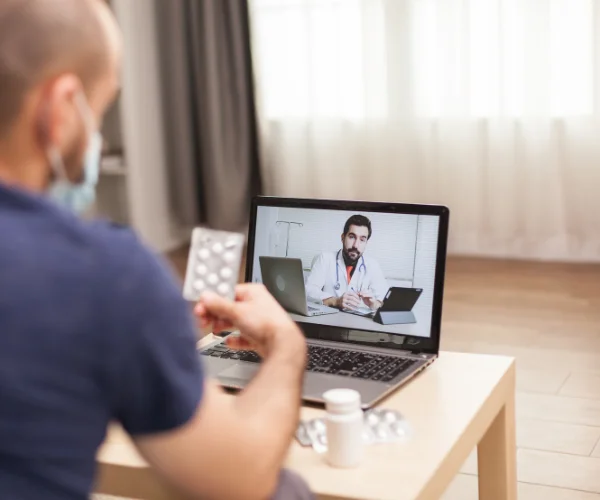
Quality Healthcare, Wherever You Are
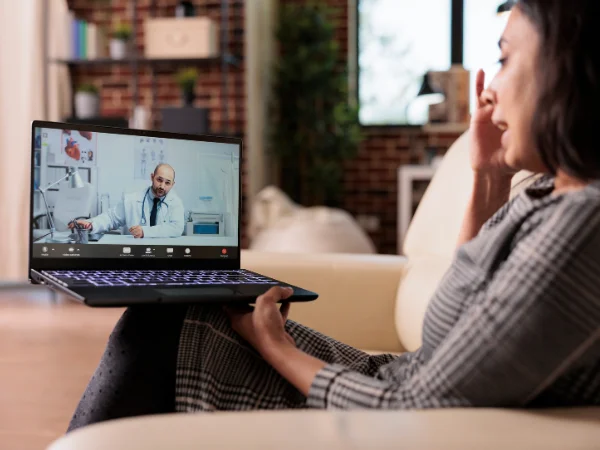
Receive professional medical care from the comfort of your home. FIT Health Care Clinic offers secure and convenient Telehealth appointments for many common medical concerns, helping you connect with an experienced healthcare provider without visiting the clinic.
Telehealth allows you to meet with a licensed healthcare provider using your smartphone, tablet, or computer. Instead of traveling to the clinic, you can discuss your symptoms, receive medical advice, review test results, and obtain treatment recommendations during a secure virtual appointment.
Why Choose Telehealth?
Virtual healthcare provides a simple, safe, and efficient way to receive medical attention.
Receive Care from Home
Avoid unnecessary travel and waiting rooms while still receiving professional medical care.
Save Time
Appointments fit easily into your busy schedule without taking hours away from work or family.
Private & Confidential
Your medical information remains protected through secure virtual consultations.
Fast Access to Providers
Speak with an experienced healthcare professional sooner for many common health concerns.
Convenient Follow-Up
Review your treatment plan, medications, or lab results without another office visit.
Telehealth Appointment Instructions
Before Your Appointment
Call our office 15 minutes before your scheduled appointment to verify your current contact information and preferred pharmacy details.
Payment Information
If your appointment includes a copay or visit charge, payment will be collected during your confirmation call. If any required forms were sent to you, please complete and return them before your appointment.
Cancellation Policy
If you need to cancel or reschedule your Telehealth appointment, please notify our office as soon as possible. A $25 missed appointment fee will apply if your appointment is not canceled at least 24 hours in advance.
Technical Requirements
After your payment has been processed, you can join your Telehealth appointment using a compatible web browser such as Google Chrome, Mozilla Firefox, or Safari. Most modern smartphone browsers are also supported.
Join Your Online Check-Up
How to Join Your Virtual Appointment:
- Click the secure Telehealth link or copy and paste it into your web browser if it doesn't open automatically.
- Enter your full name.
- You will be placed in a secure virtual waiting room.
- After Kandi will meet you there to begin your appointment.